


Description
Download CallApp Caller ID Call Blocker Call Recorder APK – Free Communication App for Android
Overview
CallApp Caller ID Call Blocker Call Recorder APK is a free Android application designed to enhance communication security and efficiency. Developed by CallApp Contacts, the software falls under the Communication category and is tailored for users seeking a reliable way to manage incoming calls. Its primary purpose is to identify unknown callers using real-time caller ID and block unwanted or spam calls, helping users reduce interruptions from telemarketers, scammers, and persistent robocalls. The app integrates with the Android contact system and leverages a community-driven database to provide accurate caller information, including business names and user ratings.
Target users include individuals who receive frequent unsolicited calls, professionals managing high call volumes, and privacy-conscious consumers. The app supports both personal and professional use cases, such as filtering calls during work hours, protecting elderly family members from scams, or maintaining a clean contact list. While the developer did not provide additional details about the company’s background, the app’s focus on user-friendly design and white pages integration suggests a strong emphasis on accessibility and real-time data accuracy. Real-world usage scenarios include blocking suspicious numbers, identifying unknown callers, and recording important conversations for reference.
Key Features & Capabilities
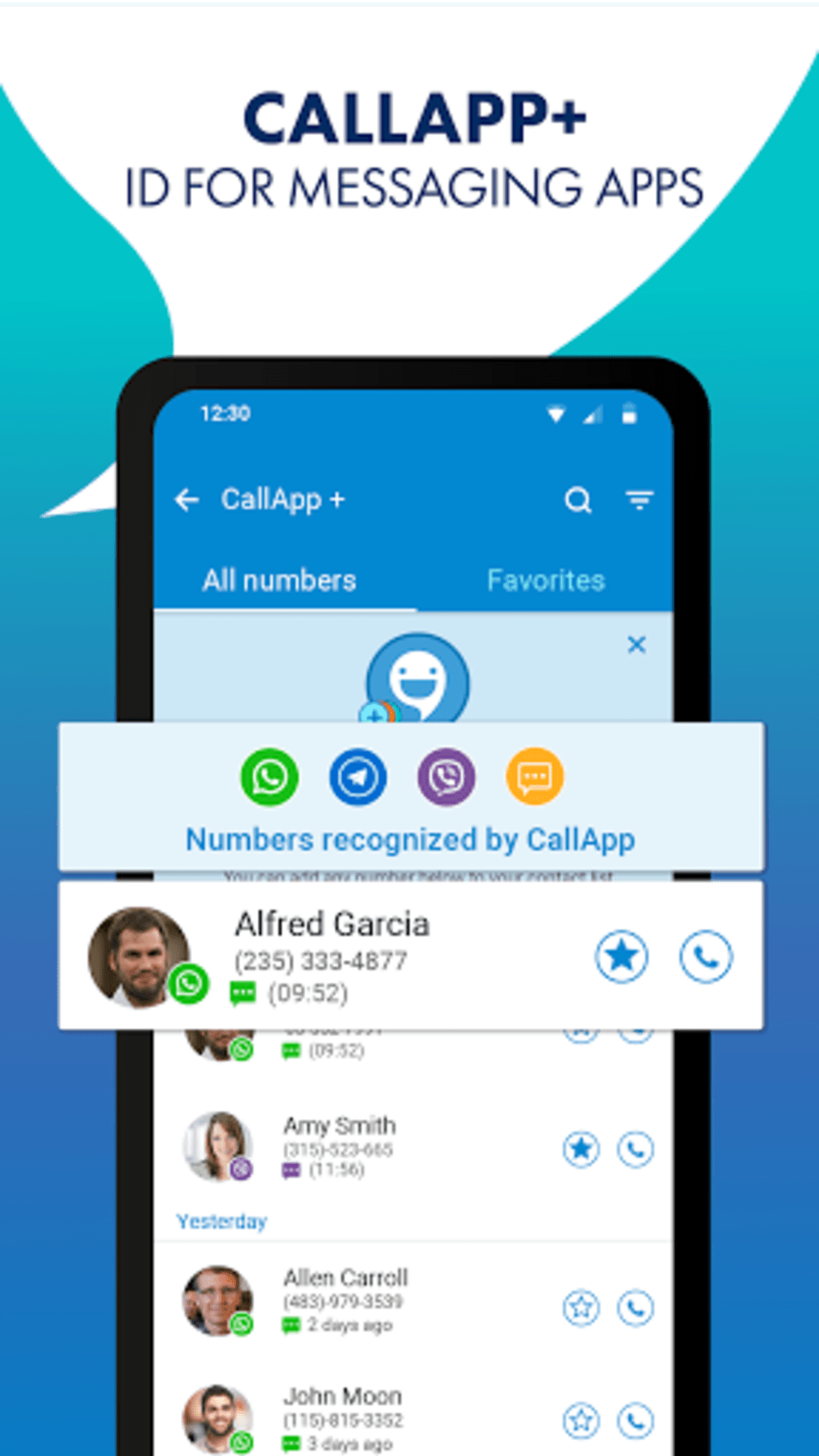
- Real-Time Caller ID – Automatically identifies incoming calls using a vast database of phone numbers and user-reported data, displaying the caller’s name and location.
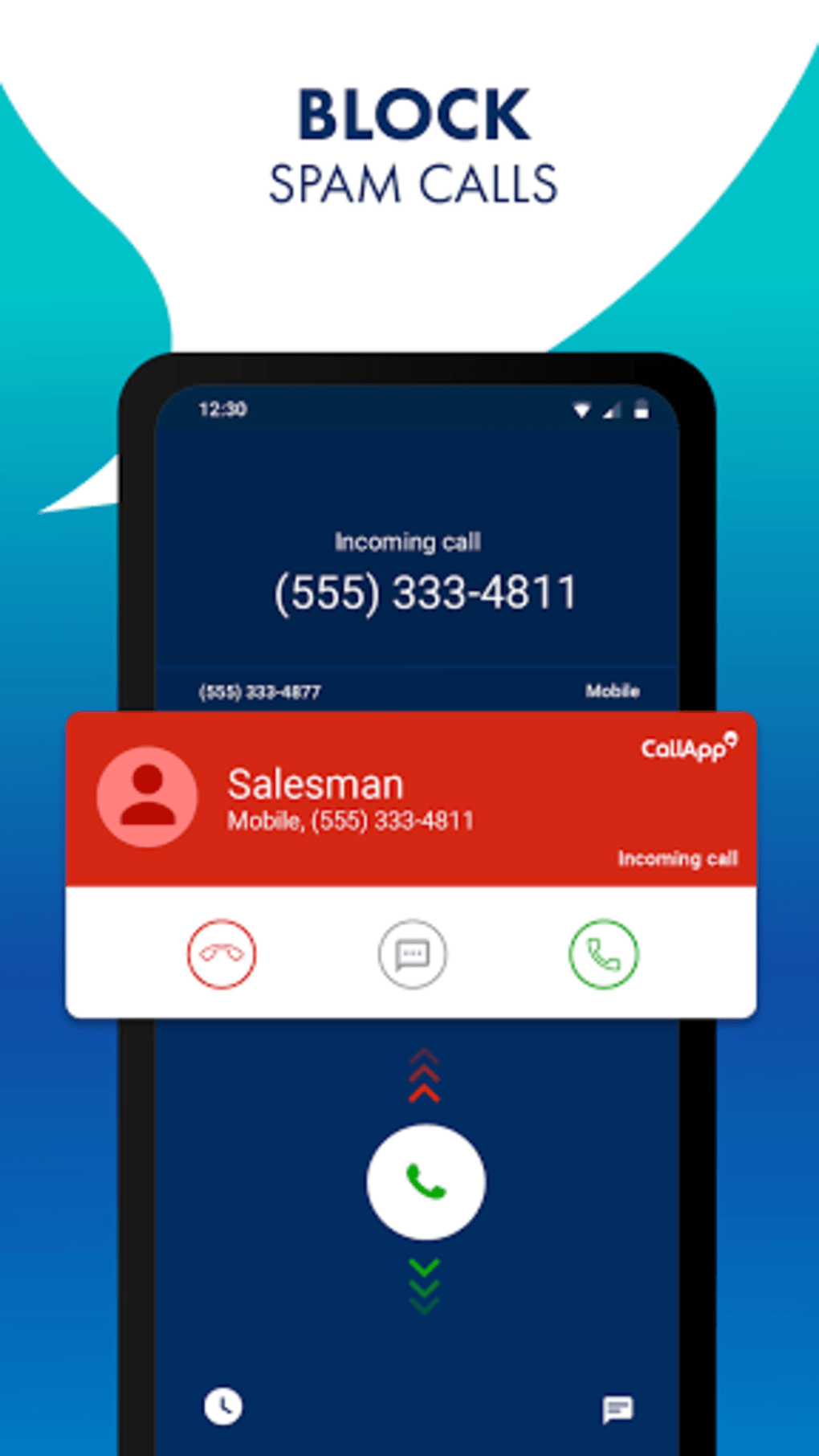
- Call Blocking – Allows users to block specific numbers or entire categories of spam calls, including telemarketers and robocalls.
- Spam and Scam Detection – Utilizes community feedback and AI-based algorithms to flag suspicious numbers and warn users before answering.
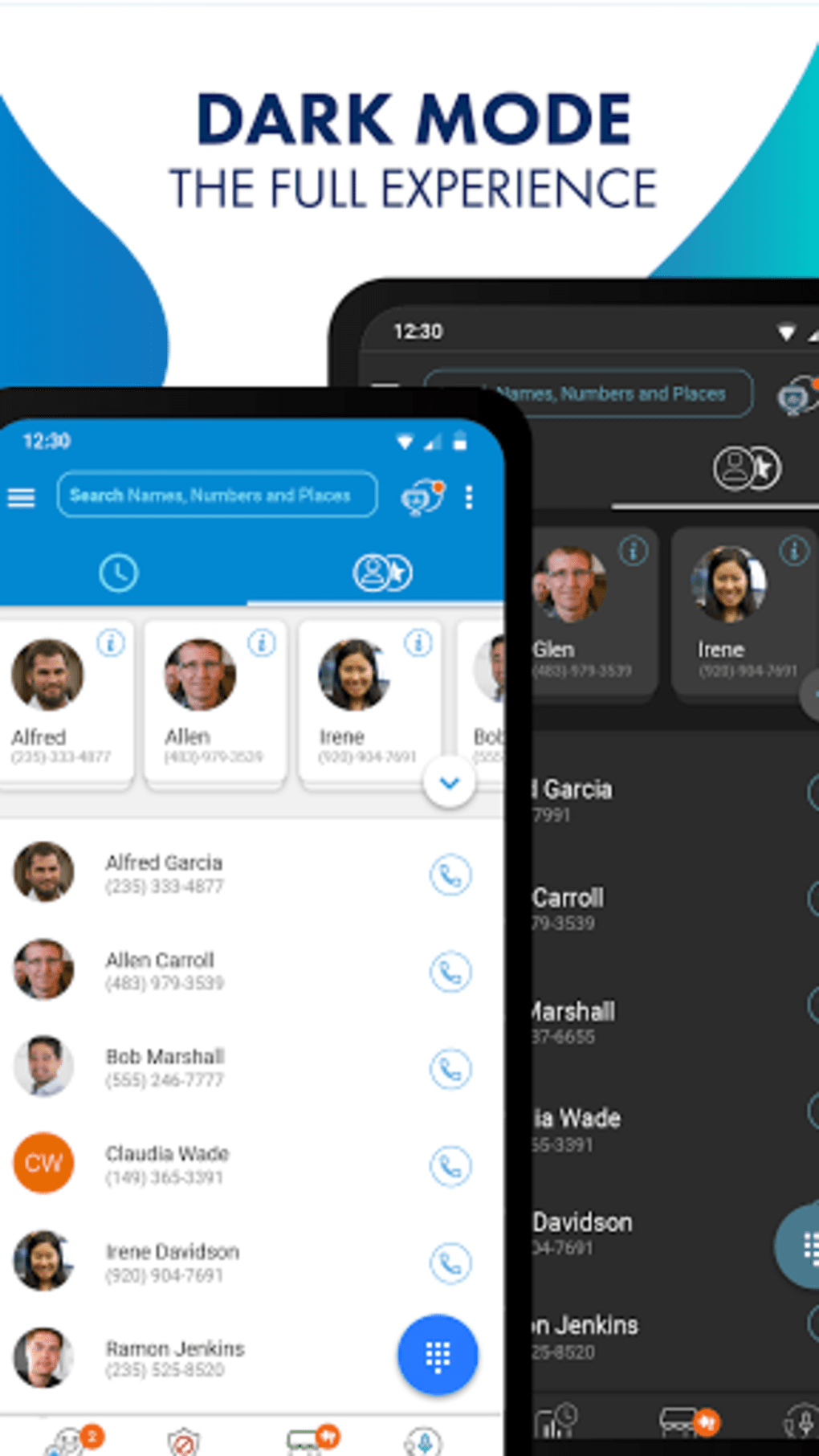
- User-Friendly Interface – Designed with intuitive navigation, enabling quick access to blocked numbers, call logs, and settings.
- White Pages Integration – Offers reverse lookup functionality to search for details about unknown numbers using public directories.
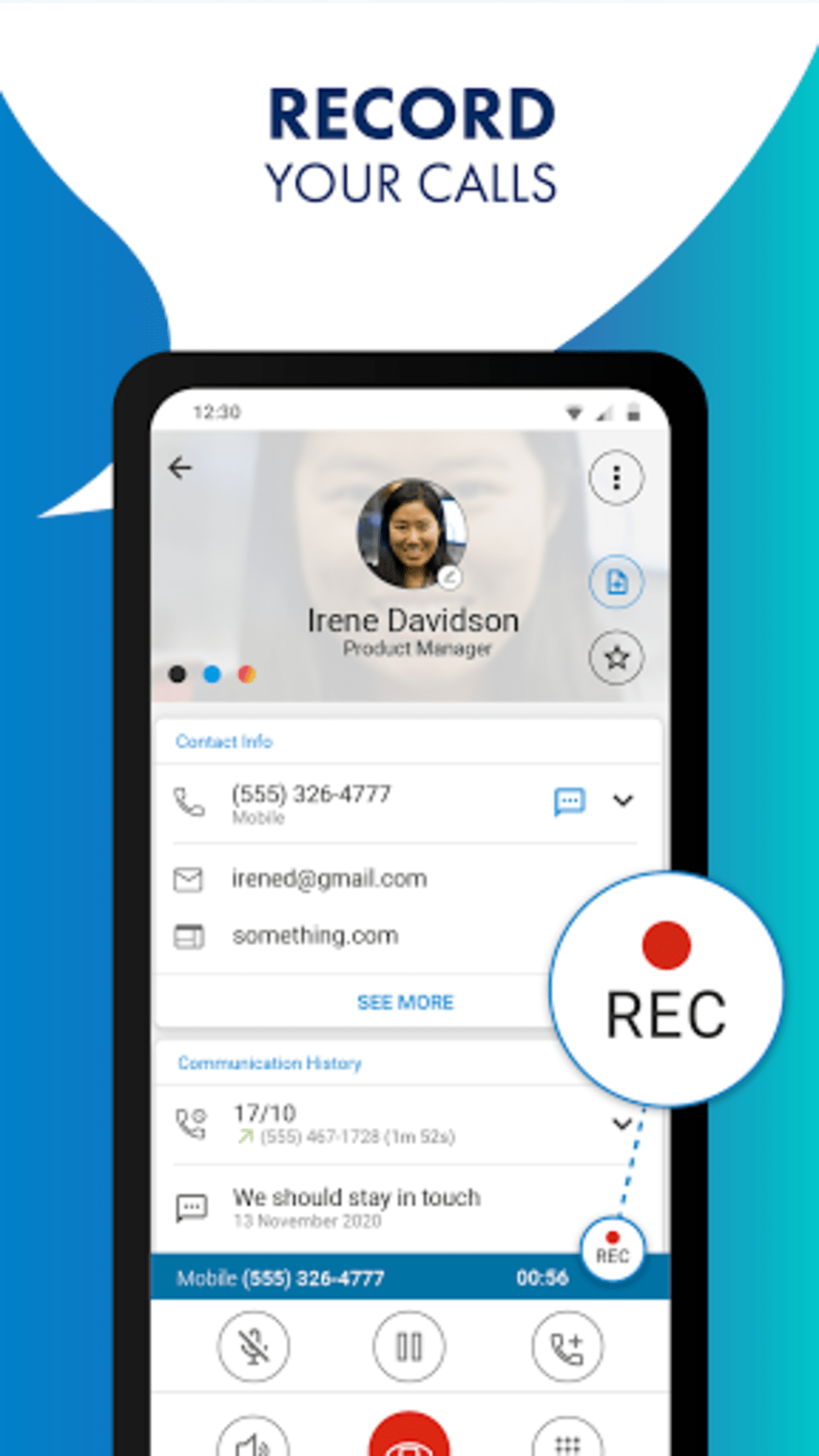
- Call Recording (Limited) – Includes basic call recording features, though functionality may vary based on regional laws and device permissions.
These features collectively help users maintain control over their communication channels. For example, a user can block a number after receiving a scam call, then use the white pages lookup to verify if the number is associated with a known business. Similarly, professionals can set up automatic blocking during meetings to avoid disruptions. The app’s integration with Android’s native call system ensures seamless operation without requiring third-party dialers or complex configurations.
User Interface, Workflow & Performance
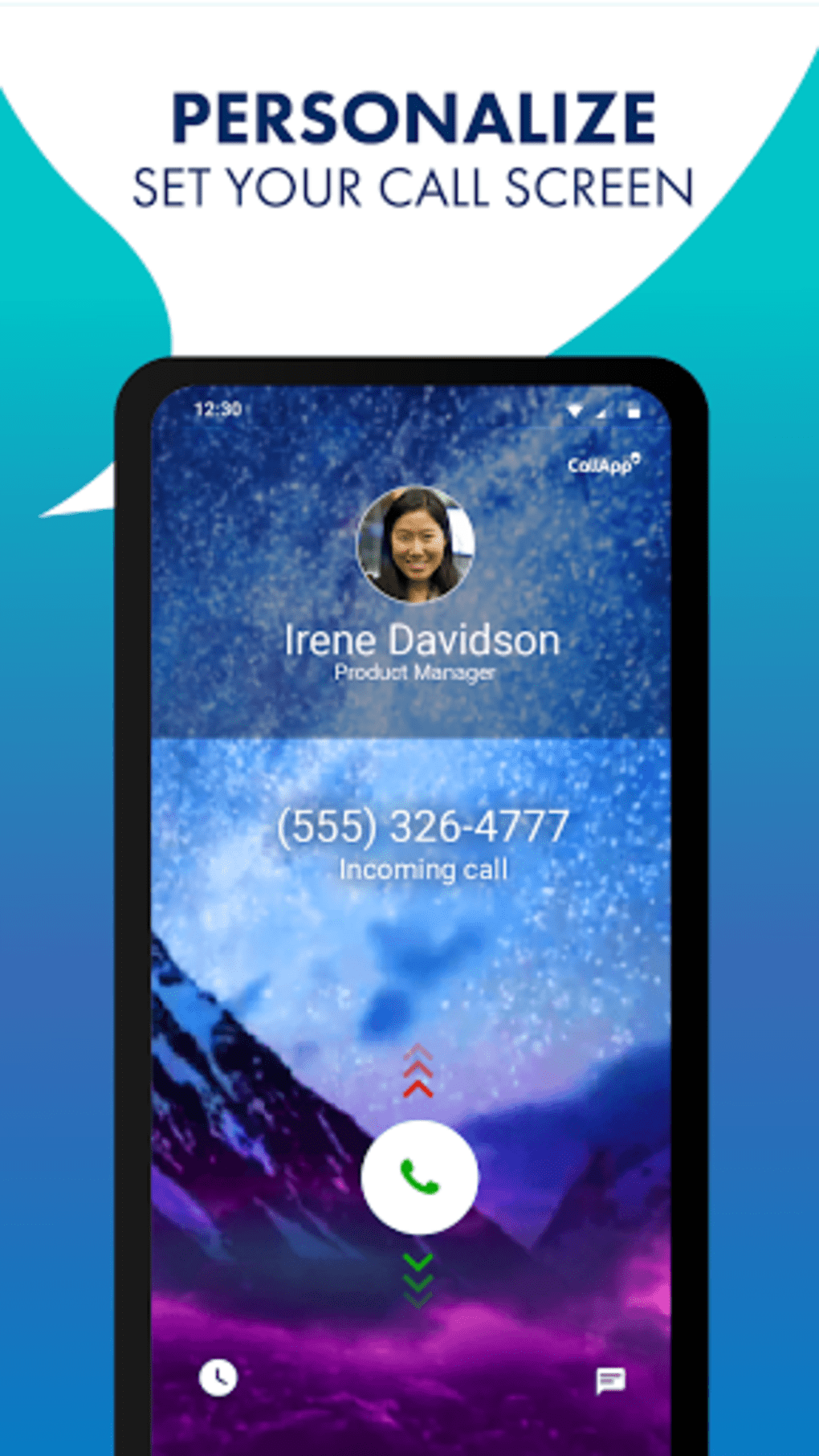
The user interface of CallApp is structured around simplicity and direct access to core functions. Main screens display recent calls, blocked numbers, and a dedicated section for spam alerts. Navigation is consistent across all sections, with bottom navigation bars and clear iconography that align with Android design standards. Users can quickly toggle blocking settings, view call history, and manage preferences with minimal taps.
Workflow efficiency is enhanced by the app’s automatic background operation, which enables real-time caller ID without manual intervention. The app runs continuously in the background, scanning incoming calls and applying filters based on user-defined rules. While the developer did not specify resource usage details, general software behavior patterns suggest moderate CPU and RAM consumption typical of Android communication tools. Stability appears to be maintained through regular updates, though exact performance metrics were not provided. Users may experience minor delays during initial database lookups, but these are generally brief and do not impact call responsiveness.
Compatibility & System Requirements
CallApp Caller ID Call Blocker Call Recorder APK is designed for Android devices. The app supports a wide range of Android versions, though specific compatibility details were not listed. Installation size is not specified, but typical communication apps of this type range from 20MB to 100MB depending on included features and data caching. Hardware requirements are not explicitly stated, but the app is expected to function on standard Android smartphones with access to the phone’s call log and permissions system.
Platform compatibility information is limited, and exact system requirements were not listed. Users should ensure their device meets the minimum Android version required by the app, which is typically Android 6.0 or higher for modern communication tools. The app may require access to phone calls, contacts, and storage permissions to operate fully. Compatibility with different Android manufacturers and custom ROMs may vary, but no specific limitations were mentioned.
Pros and Cons
Pros
- Free to download and use with no hidden costs
- Real-time caller ID and spam detection
- Intuitive, user-friendly interface
- Effective call blocking for unwanted and scam calls
- Integration with white pages for reverse number lookup
- Automatic background operation for continuous protection
Cons
- Call recording functionality may be restricted by regional laws
- Performance may vary depending on device and Android version
- Relies on community data, which may not always be up to date
- Requires extensive permissions for full functionality
- Some features may not be available in all regions
FAQ Section
Is CallApp available for iOS devices?
CallApp is currently designed for Android devices. There is no official iOS version available at this time.
Is the app safe to use on my Android phone?
Yes, CallApp is a secure application developed by a known developer. It requires standard phone permissions, which are necessary for call monitoring and blocking. Users should only download the app from official sources to ensure authenticity.
How often does the app update its spam database?
The app updates its database in real time using user-reported data and automated systems. However, exact update frequency was not specified by the developer.
Can I use CallApp without an internet connection?
Basic call blocking and caller ID functions may work offline, but real-time spam detection and white pages lookup require an active internet connection.
Does CallApp offer a free version with ads?
Yes, the app is free to download and use. While it may include advertisements, no specific details about ad frequency or placement were provided.
Final Thoughts + CTA
CallApp Caller ID Call Blocker Call Recorder APK delivers a robust solution for managing unwanted calls on Android devices. With its combination of real-time caller ID, effective spam detection, and user-friendly interface, it stands out as a reliable tool for both personal and professional use. The integration of white pages and community-based spam reporting enhances its accuracy and usability. While limitations exist—such as regional restrictions and dependency on internet connectivity—the app remains a strong choice for users seeking a free, efficient call management tool.
Whether you're trying to block persistent telemarketers, identify unknown callers, or record important conversations, CallApp offers practical value without a subscription fee. Its seamless integration with Android’s native call system and automatic background operation ensure minimal disruption to daily use. For anyone looking to regain control over their phone calls, this app is a solid option.
Download CallApp Caller ID Call Blocker Call Recorder APK now
Guides & Tutorials for CallApp Caller ID Call Blocker Call Recorder APK
How to install CallApp Caller ID Call Blocker Call Recorder APK
- Click the Preview / Download button above.
- Once redirected, accept the terms and click Install.
- Wait for the CallApp Caller ID Call Blocker Call Recorder APK download to finish on your device.
How to use CallApp Caller ID Call Blocker Call Recorder APK
This software is primarily used for its core features described above. Open the app after installation to explore its capabilities.
User Reviews for CallApp Caller ID Call Blocker Call Recorder APK 0
No reviews found





